
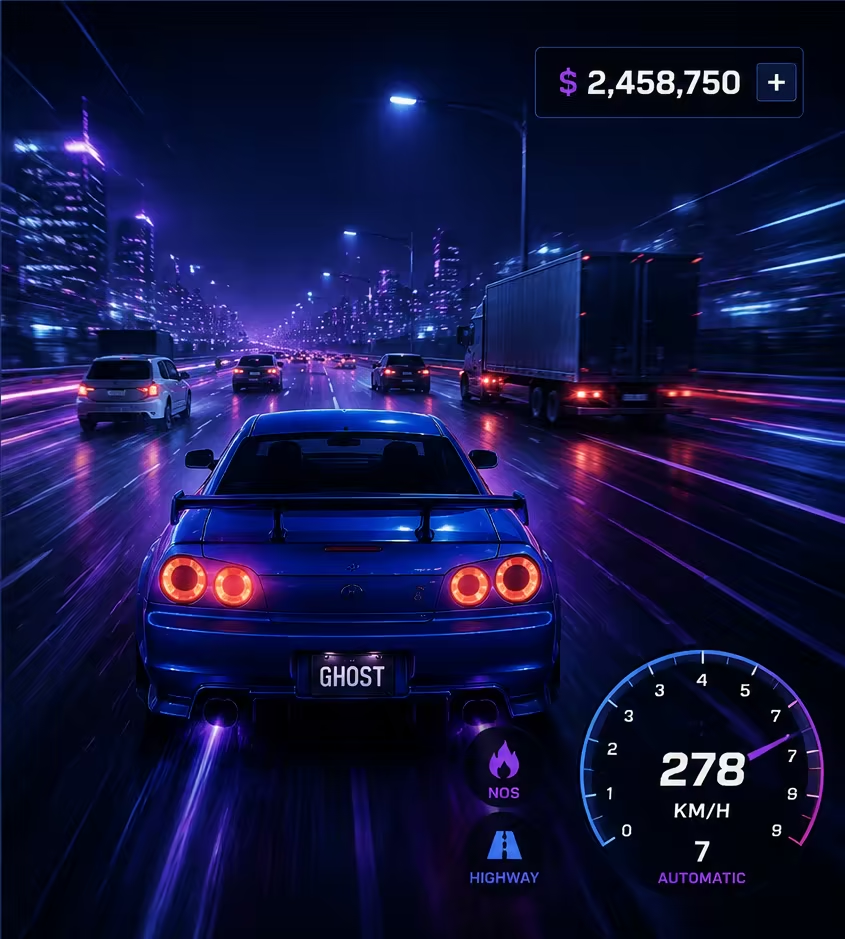
Ghost Driver control reference
| Input | Action | Evidence |
|---|---|---|
| W/A/S/D or Arrow Keys | Drive | Official Roblox description |
| V | Change camera / first person | Official Roblox description |
| Shift | Handbrake / drift | Official Roblox description |
| L | Headlights | Official Roblox description |
| R | Respawn a stuck vehicle | Pro Game Guides; not listed in the official description |
Evidence and limitations
01
W, A, S, D or the arrow keys drive the car on PC.
02
V changes the camera and includes the first-person view.
03
Shift activates the handbrake or drift control.
04
L toggles the headlights.
05
Pro Game Guides also documents R as a respawn control when the vehicle is stuck; R is not listed in the official Roblox description.
Practical next steps
Notes and limitations
- Official mobile, console, horn, manual-gear, neutral, and photo-mode mappings are not published.