
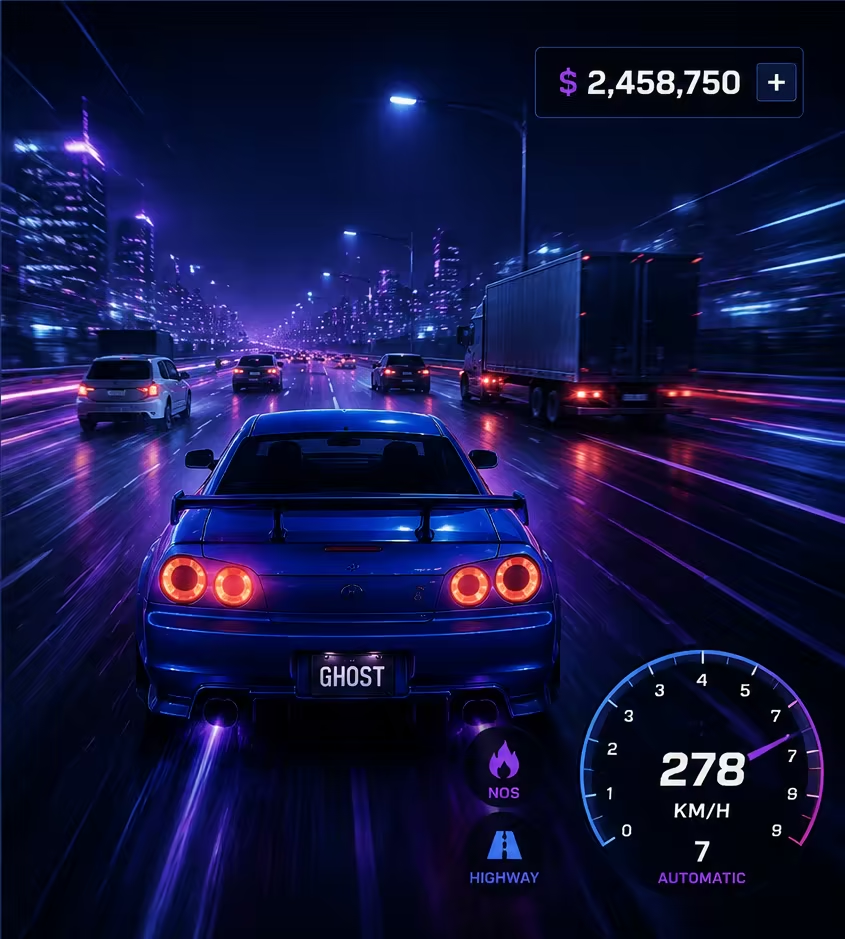
Verified camera options
| Goal | Supported option | Limitation |
|---|---|---|
| Change driving view | Press V | Cycles the views exposed by Ghost Driver; it is not free cam |
| Move the normal Roblox camera | Use the platform's standard camera controls when the experience permits them | The developer can restrict camera behavior |
| Use creator free camera | Only in an owned or permitted development environment | Do not present Shift+P or Ctrl+Shift+P as a public Ghost Driver shortcut |
Evidence and limitations
01
V is the official Ghost Driver key for changing between available camera views.
02
Roblox also supports normal camera movement according to the player's platform and selected camera mode.
03
No Ghost Driver-specific free-camera key is documented in the official controls or reviewed current guides.
04
Shift+P free camera is associated with development or permitted environments and should not be presented as a guaranteed player shortcut.
More guides pages
Practical next steps
Notes and limitations
- A player-facing cinematic free-cam mode is not confirmed for Ghost Driver.