
Closest verified alternatives
| Goal | Available option | Limitation |
|---|---|---|
| Reduce cockpit obstruction | Press V to change camera | Changes view; does not hide the HUD |
| Hide selected Roblox UI | Use hamburger-menu toggles for leaderboard, chat, captures, and other elements | No universal hide-all switch |
| Save a clean screenshot | Use Roblox Captures | Removes UI from the saved capture, not the live screen |
| Use UI Navigation Toggle | Do not use this as a HUD fix | The backslash option changes UI navigation, not visibility |
Evidence and limitations
01
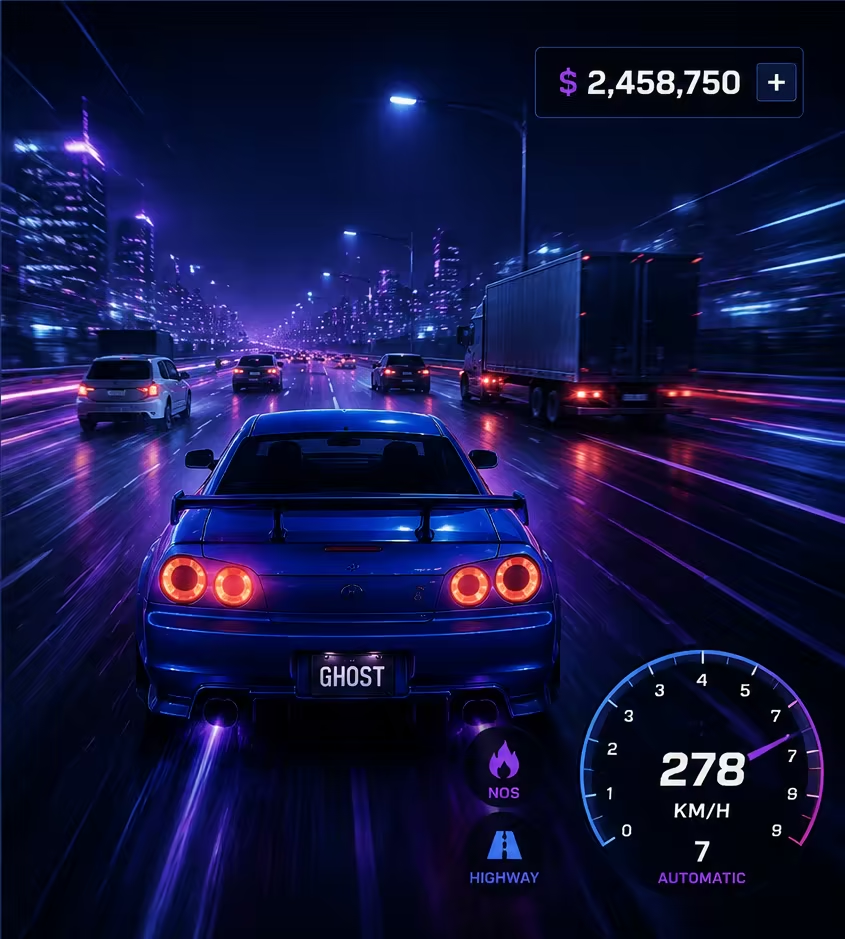
The official Ghost Driver controls do not list a HUD toggle.
02
Roblox's in-experience settings provide platform controls, but they do not guarantee that a game exposes a full HUD-off mode.
03
Use V to change the Ghost Driver camera; this can reduce cockpit obstruction but does not remove the interface.
04
Do not publish an undocumented keyboard shortcut as a Ghost Driver HUD control.
More guides pages
Practical next steps
Notes and limitations
- A dedicated HUD-off or screenshot-mode control is not confirmed in current text sources.